
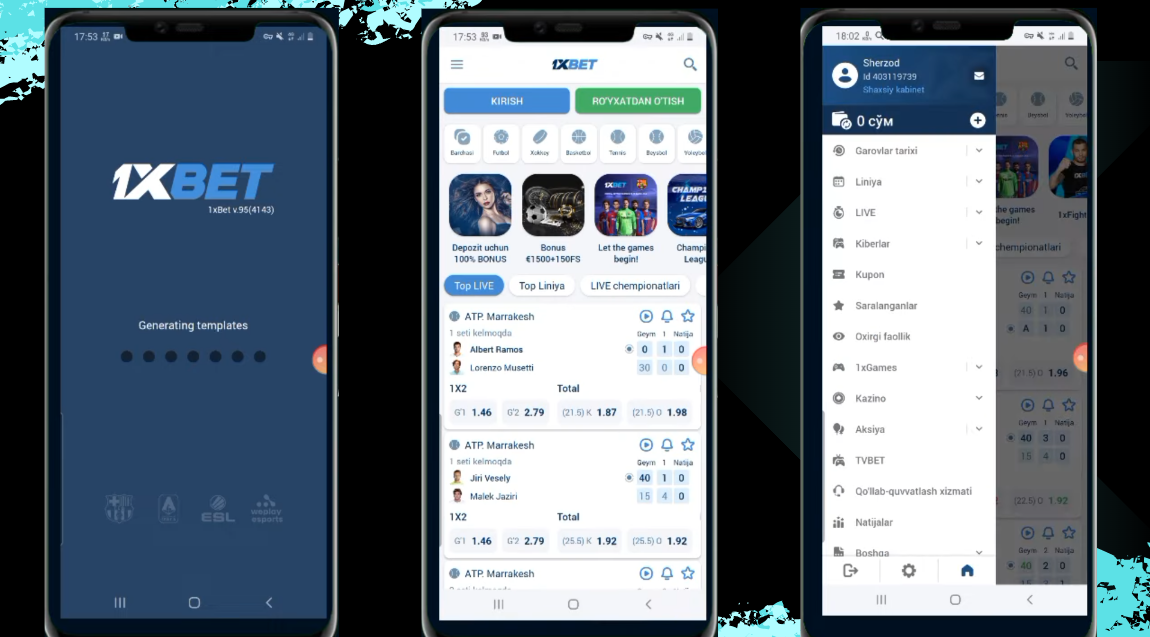
Opening the 1xBet app for the first time is quite different from loading the site in a mobile browser. A browser simply refreshes the page, while the installed application presents a permanent set of choices on your screen.
You will meet the language selection dialog first, followed by a login or registration screen. Below is what you can expect during that initial launch sequence.
Why the first launch might stop
This section covers four usual causes why an application might stop during its first launch. Each one shows a different message on your screen before the failure occurs. Identifying which pattern you see saves guessing later. Testing takes under a minute per case.
The package installer is blocked
If you downloaded the file directly, Android might flag it as unsafe during the package installer prompt. You tap “Install” when the dialog appears, but the system sometimes refuses. Check your notification shade for any security warning regarding the blocked download entry. The warning usually reads “Blocked by Play Protect” and offers a small “Install anyway” link in grey text.
Tap that link within a few seconds, and the installer resumes where it left off. This is the most common halt, and it only needs a single tap to clear.
The application files are incomplete
Interrupted downloads often leave behind a broken archive, causing the application to close on startup. This happens if you switch networks or lose connection mid-transfer. Re-downloading the file usually solves this within a minute or two on Wi-Fi. Watch the download size shown in your browser’s Downloads manager; a file that stops short of the stated size is incomplete.
On a decent connection the full package typically finishes in under ninety seconds. If it keeps stalling, move closer to your router and start over.
There is a storage conflict
Sometimes an older version of the application is still present on your device. You should open your Files app and look for any previous installation folders. Removing these before trying again often clears the path for a smooth launch. Pay attention to leftover folders named “1xBet” or similar, which sometimes hold cached data the installer will not overwrite.
Freeing two hundred megabytes of space is usually enough to prevent a repeat. The installer needs that room to extract the new package cleanly.
The account needs verification
1xBet requires your account details to be confirmed before you can access certain menus. If you have not completed this step, the application might prompt you immediately after login. The screen typically asks for an ID photo and a proof of address, both uploaded through a small camera button. To secure your account properly, consider setting up two-step verification settings.
Most accounts clear review within a few hours during business days. You can continue browsing the app while review is pending, though certain features stay locked.
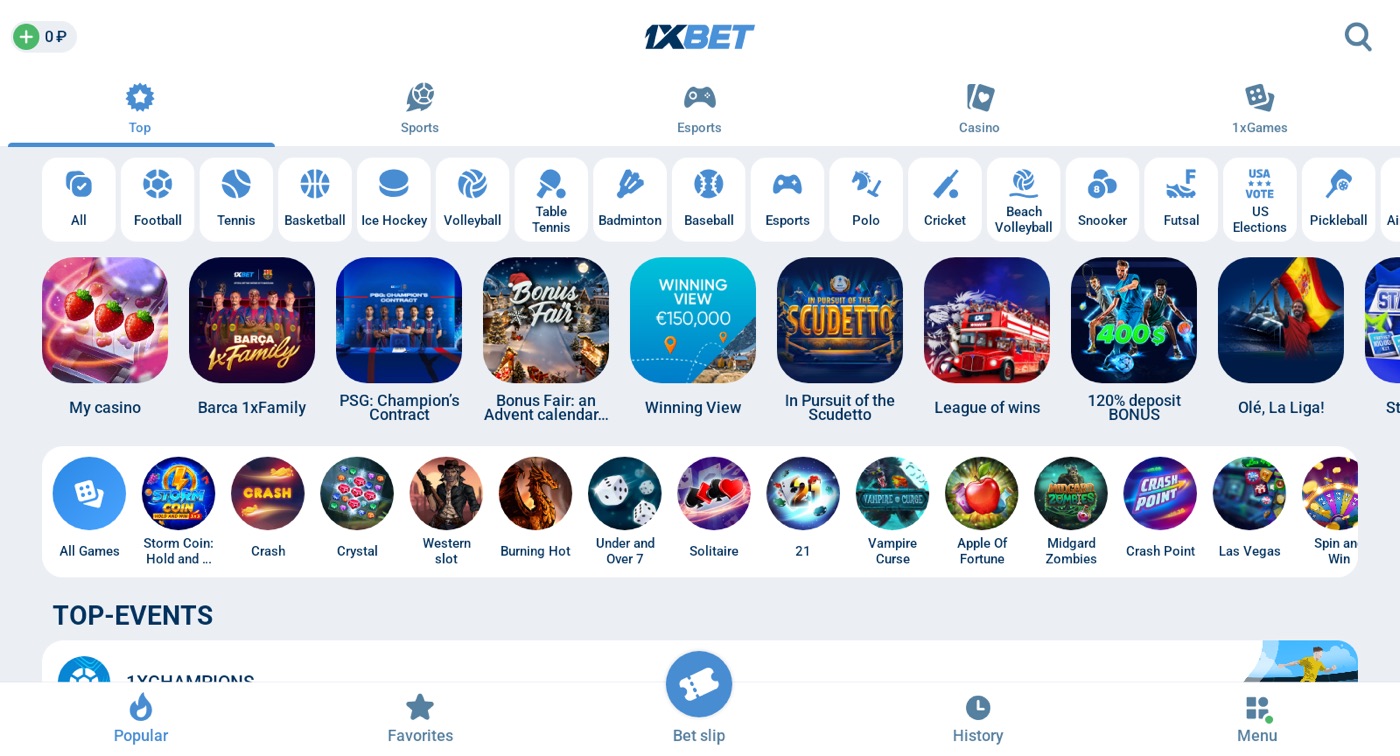
How to prevent this next time
To avoid these issues during a fresh installation of 1xBet, follow a few simple preparation steps. Preparation before opening the file prevents most failures before they appear on screen. Review the list below and tick each item as you go.
- Always start the download from a stable Wi-Fi connection.
- Ensure you have enough free space in your device storage.
- Uninstall any older versions before installing the new file.
- Watch the notification shade until the download entry is fully complete.
Before you open the file, go into your settings. You must find the “Install unknown apps” toggle and turn it on for your browser or Files app. This setting prevents the package installer prompt from failing halfway through the process. It takes a few seconds to adjust this option.
When to contact support
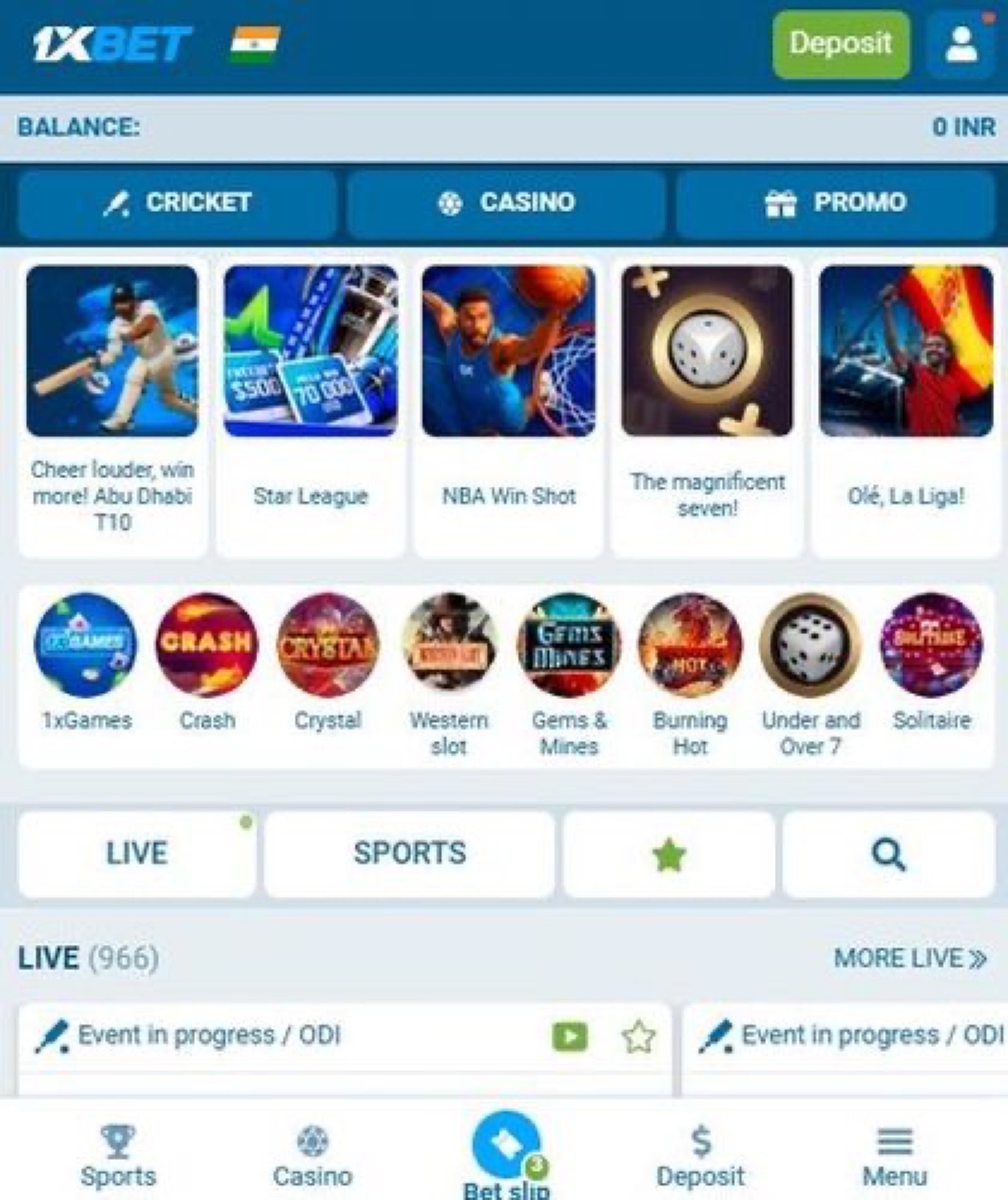
Most first-launch questions inside the 1xBet app can be answered without a support ticket. Still, some screens stop responding or show data you cannot reconcile with your account. Before you write anything, reopen the application and check whether the same message appears twice. If the message repeats on a fresh launch, the issue is probably on our side, and a ticket will help.
Meanwhile, the live chat icon sits in the main menu of the 1xBet app. Tap the three-line icon at the top left, then scroll down to “Support” to open the chat window. The chat box opens in about two seconds on a normal connection. On 1xBet support answers arrive within a few minutes during busy hours.
Prepare three details before you start the chat. The first is the exact wording of the screen you saw, copied into a note. The second is your account ID from the profile page. The third is a screenshot of the failing screen, attached to the chat.
- The verification screen loops back to the start without ever confirming your documents.
- The registration form rejects a phone number that your carrier has already activated for SMS.
- The bet slip closes before you can confirm an accumulator, even though your balance is fine.
- The download entry disappears from the notification shade before the package installer can open.
When none of these steps fixes the problem, the fastest route is a fresh download. Start again from the official page, which you can reach through 1xbet mobile app download. Before you reinstall, clear your balance history so the app syncs cleanly. The mirror link points to the current package for your device model. A clean re-download usually restores a working installation within five minutes.
FAQ
Why does the application ask for permission to install unknown apps?
The Android package installer needs that toggle switched on to place the application on your device. Open Settings, choose “Install unknown apps”, pick your Files app and move the switch. You can turn it off again once the installation is finished.
How do I change the interface language after the first launch?
Open the main menu, go to Settings and tap the language row. 1xBet lists every available language on that screen, and the choice applies immediately.
Where is the bet slip if I closed it by accident?
Tap the slip icon in the bottom bar to bring it back. Any selections you had already added stay there until you clear them yourself.
Can I register with a phone number instead of an email address?
Yes, the registration form offers a phone tab beside the email tab. 1xBet sends a confirmation code to that number, which you enter on the next screen.